

Connect Kiotel to the systems your hotel already uses.
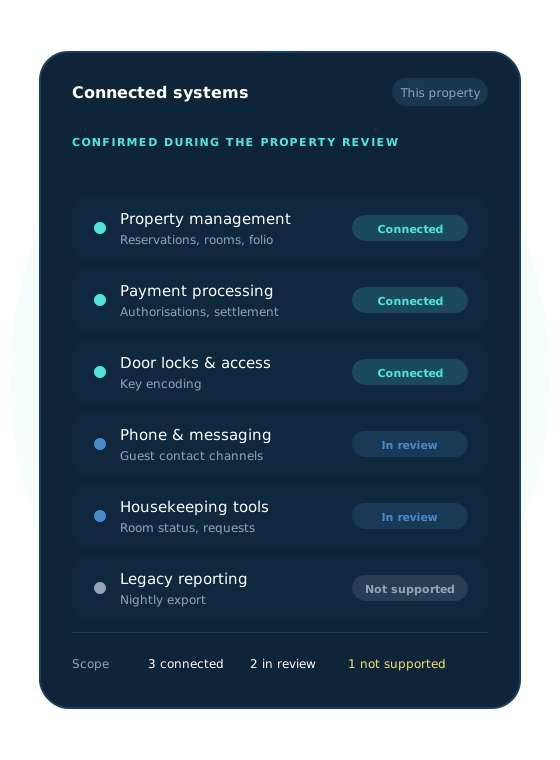
Kiotel connects with supported property-management, payment, door-lock, communication, and hotel technology systems to create a more connected guest and operational experience. We review your property's technology before launch and configure supported workflows around the systems already in place.
Use existing systems
Extend the technology your hotel already operates instead of replacing every platform.
Connect the guest journey
Allow supported information and workflows to move between check-in, payment, access, and support.
Configure by property
Confirm compatibility and requirements around each hotel's specific technology stack.
CONNECTED HOTEL TECHNOLOGY
Bring guest and operational workflows together.
From the PMS to the door lock, supported systems are connected around the workflows your property runs.

Property management systems
Connect Kiotel with supported PMS platforms to enable configured reservation, arrival, departure, and property workflows.
Payment systems
Support configured guest payment and authorization activities through compatible payment technology.
Door locks and room access
Connect supported lock and access systems to configured room-key or room-access workflows.
Communication systems
Support guest and property communication through compatible phone, messaging, email, or related tools.
Hotel operations systems
Connect with selected technology supporting property operations, reporting, guest requests, and administrative workflows.
Custom and emerging integrations
Kiotel can evaluate additional integration requirements based on the system, available interfaces, business case, security requirements, and implementation scope.
HOW IT WORKS
From technology review to live workflow.
Four steps, from reviewing what your property runs today to testing the workflow before it goes live.
Review your technology stack
Kiotel identifies the PMS, payment provider, lock system, communication tools, and other systems involved in the intended workflow.
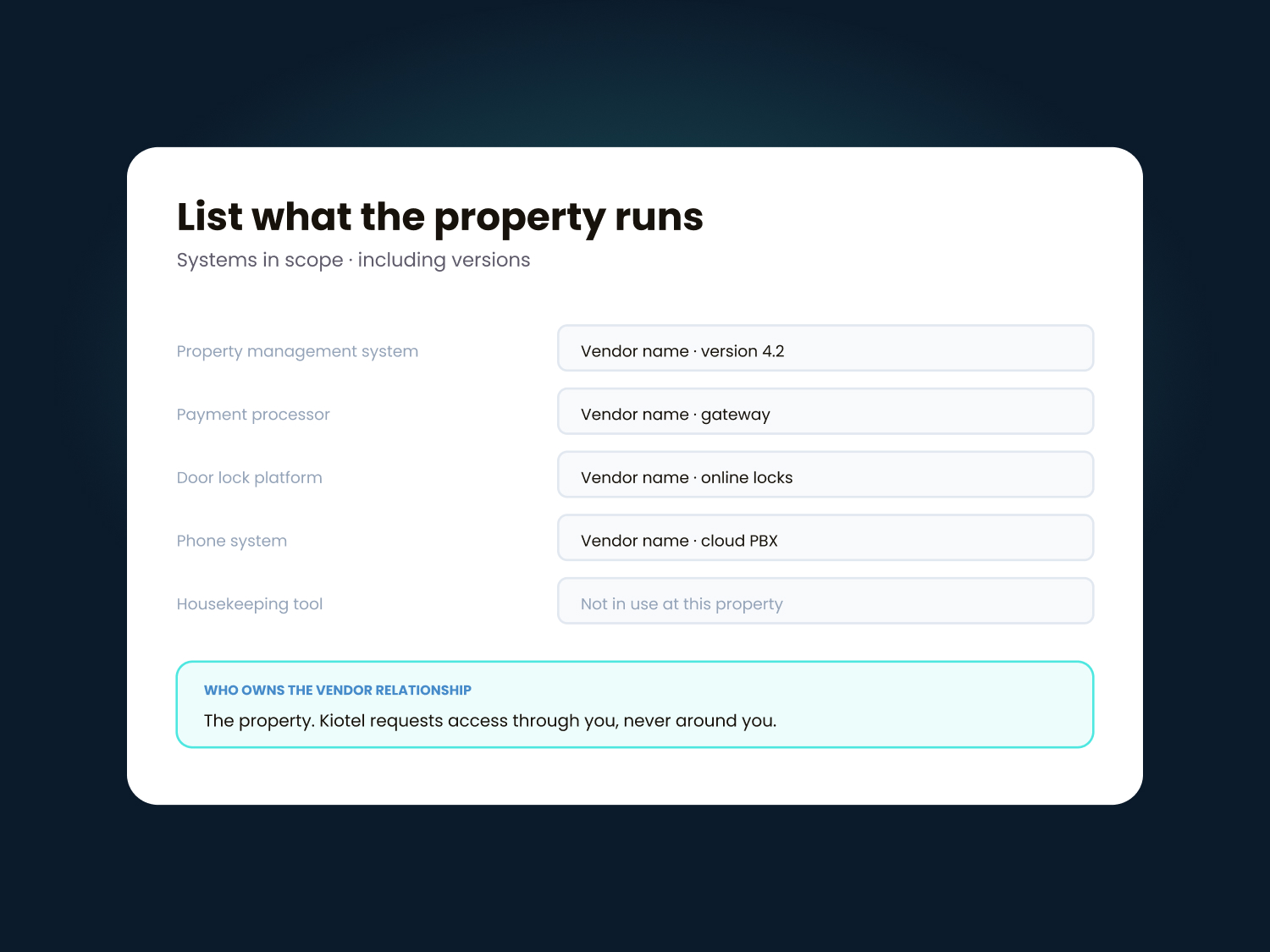
Confirm compatibility
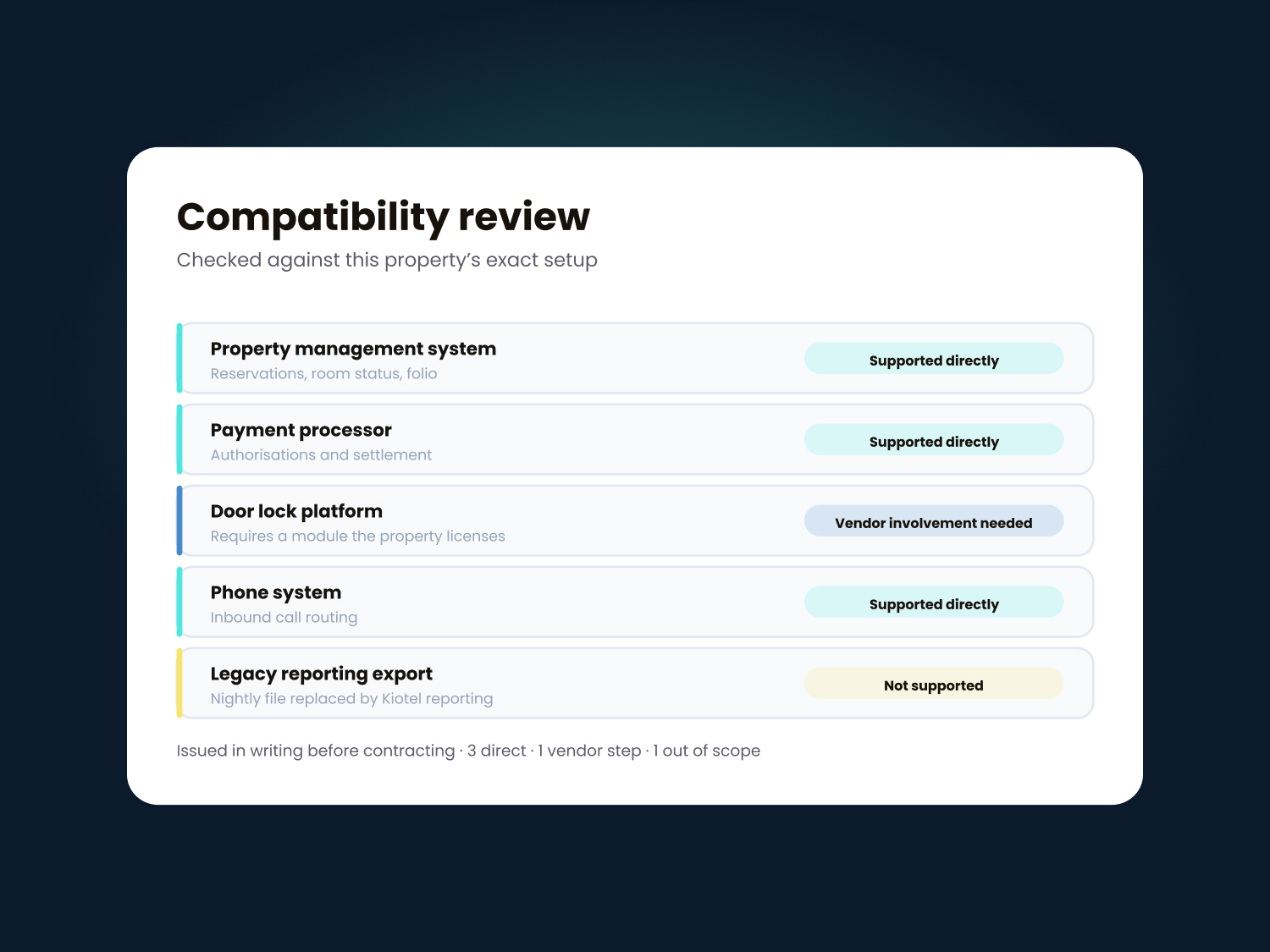
The team reviews available integrations, system versions, account requirements, vendor dependencies, and potential limitations.
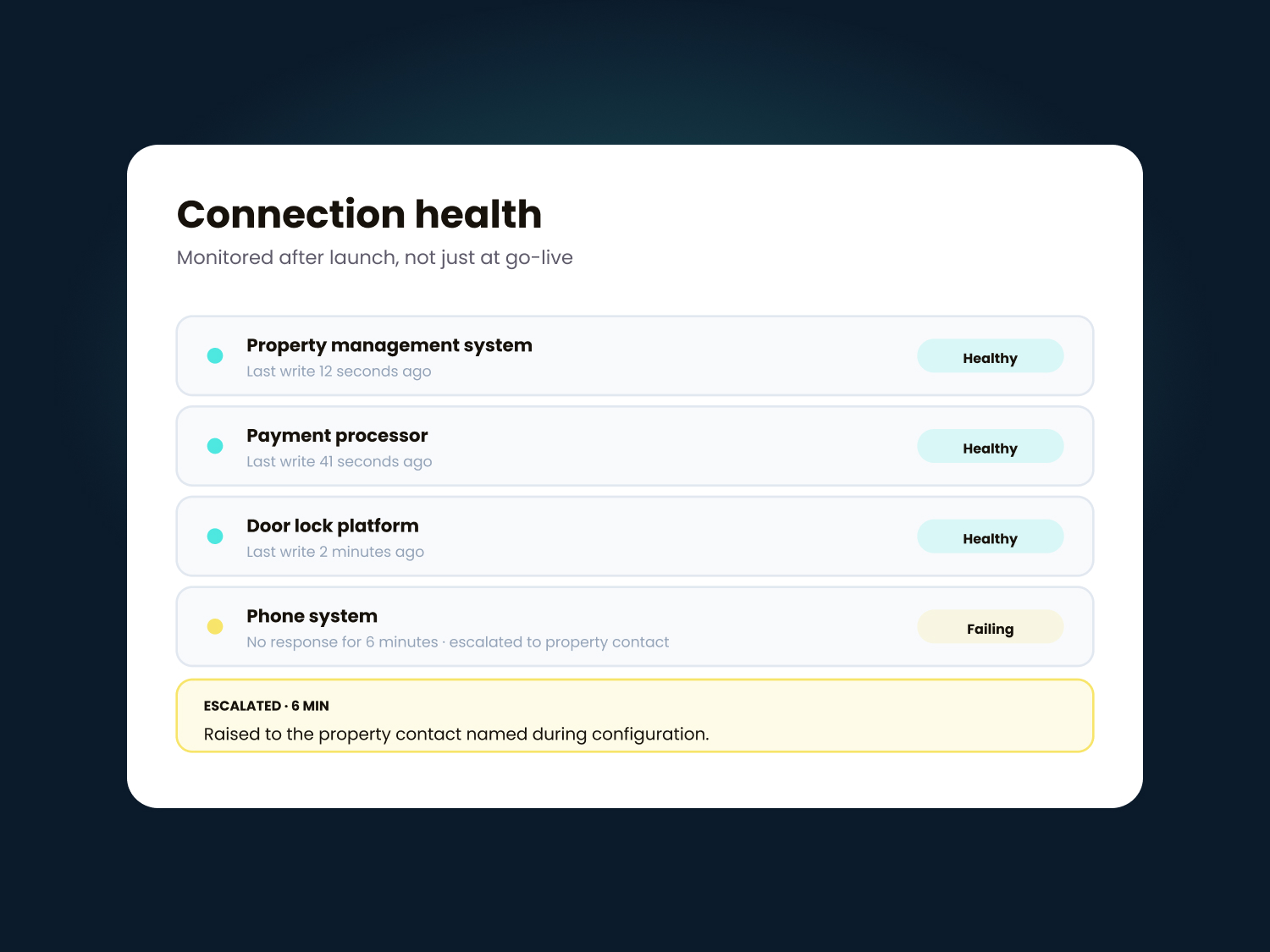
Configure the workflow
Kiotel connects supported systems and configures the guest and operational process around property requirements.
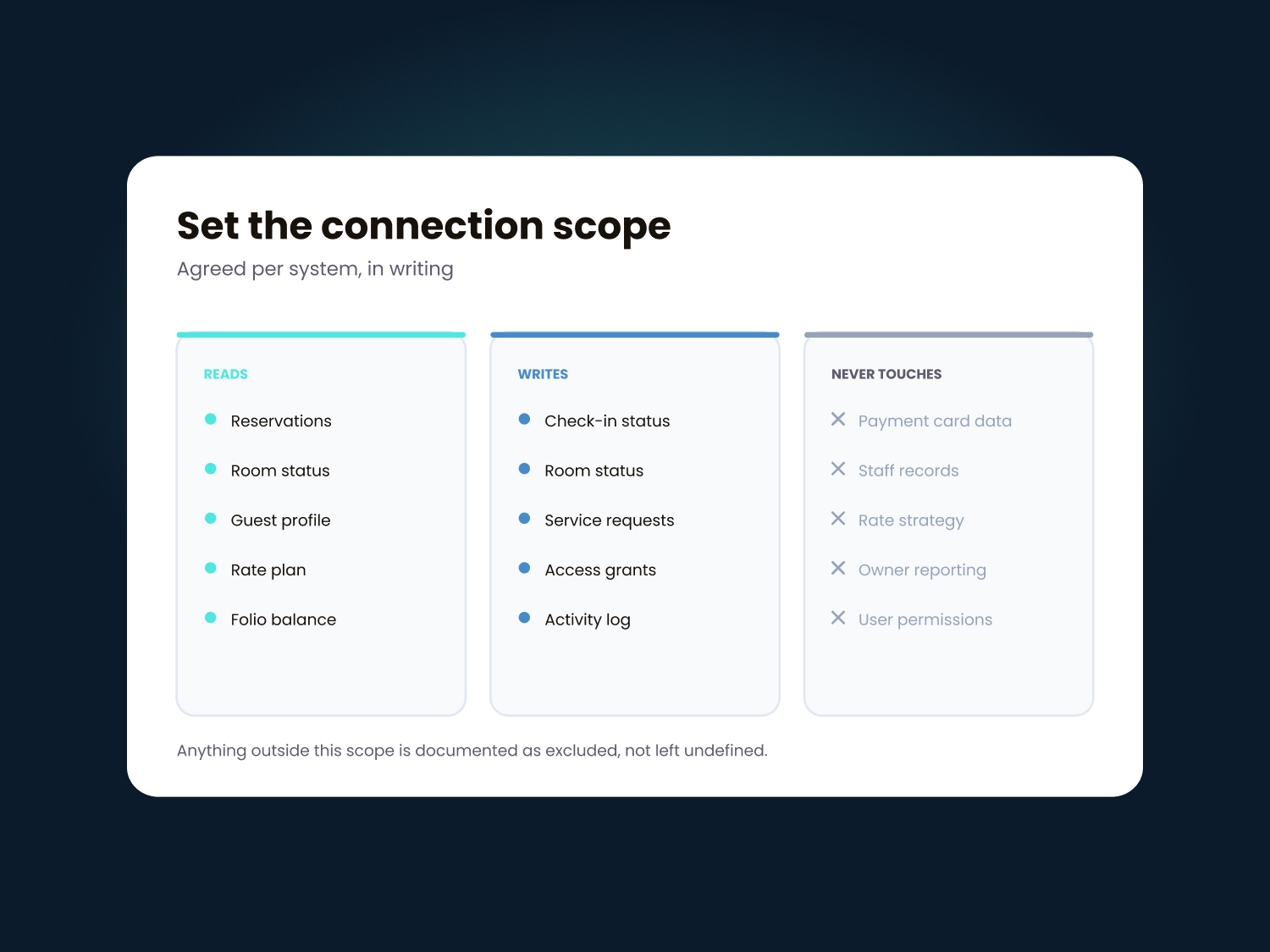
Test before launch
The property and Kiotel test supported scenarios, exceptions, access, and handoffs before the workflow goes live.

Why Integration Matters
Reduce dependence on manual data entry.
Hotel operations often depend on staff remembering to update multiple systems, which becomes harder across overnight hours, staffing changes, and high-volume periods. Kiotel helps operators create a more reliable flow of information, making it easier to:

Eliminate duplicate data entry
Improve accuracy across all systems
Reduce time spent on administrative tasks
Ensure real-time visibility for management
Support new and temporary employees with automated processes
Identify and resolve data discrepancies quickly
Apply consistent data standards across multiple properties
CONNECTED CAPABILITIES
Related products.
Integrations connect across the Kiotel platform to support front desk, housekeeping, and reporting workflows.

Testimonials
What our clients says
Frequently asked questions
Have additional questions? Get in touch with our operations team anytime.
Kiotel supports selected property-management, payment, door-lock, communication, and hotel technology systems. Contact Kiotel to confirm compatibility with your property's current systems and versions.
No. Kiotel works alongside supported property systems to extend guest and operational workflows.
Kiotel can evaluate additional integration requirements. Availability depends on the third-party system, accessible interfaces, security requirements, implementation effort, and business case.
Timing depends on the systems involved, existing connectivity, third-party cooperation, property configuration, testing requirements, and workflow complexity.
The property may need to provide authorized system access, vendor contacts, account information, technical documentation, test scenarios, and personnel who can approve the configured workflow.
See whether Kiotel works with your hotel technology.
Book a Demo